Codes
Piano Rhythm Tiles codes, how to redeem, and expired lists.
View all CodesTap the tiles. Follow the rhythm. Find your next song.
Piano Rhythm Tiles is a Roblox rhythm game from the Music Tiles group. You tap along with songs, pick a speed, and try to beat your own result. Endless mode speeds the run up, 1v1 puts you against another player, the Daily Song features a changing track, and Fade mode hides tiles so you play from memory. Stars, leaderboards, tile skins, and backgrounds are part of the same official description. This wiki explains those systems and leaves out any number the game has not published.
Piano Rhythm Tiles is a Roblox rhythm game from the Music Tiles group. You tap along with songs, pick a speed, and try to beat your own result. Endless mode speeds the run up, 1v1 puts you against another player, the Daily Song features a changing track, and Fade mode hides tiles so you play from memory. Stars,…
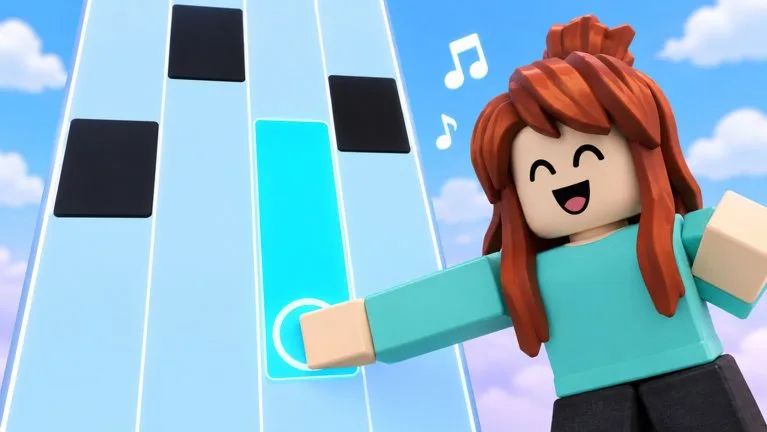

Open the official game, pick a song from the list in the client, and set a speed you can read. Use touch, keyboard, or controller with the mapping shown on screen. After the attempt, check stars and your personal best. Move to Endless only when you want the game to raise the speed, and move to Fade only after you know the chart well enough to play with tiles hidden.
Piano Rhythm Tiles codes, how to redeem, and expired lists.
View all CodesPiano Rhythm Tiles walkthroughs and task pages.
View all GuidesPiano Rhythm Tiles walkthroughs, progression, and practical video tutorials.
View all Video TutorialsPiano Rhythm Tiles roster hub.
View all PlayersPiano Rhythm Tiles patch notes and listing-checked changes.
View all UpdatesWhat community tools claim to automate in Piano Rhythm Tiles, and why this wiki will not host them.
View all ScriptsPiano Rhythm Tiles database hubs.
View all WikiOfficial game page, group, and this wiki map.
View all Links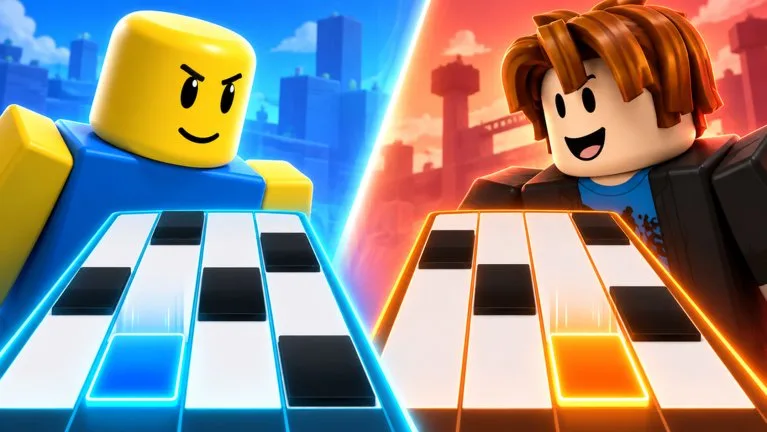
Speed climbs during the run. Learn a chart first.
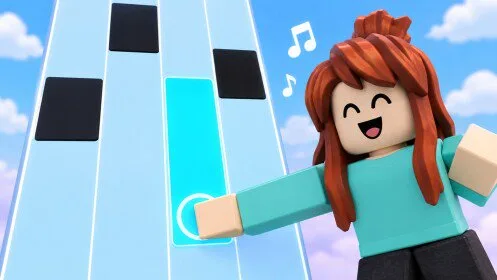
Tiles disappear. Practice the visible chart before you hide it.
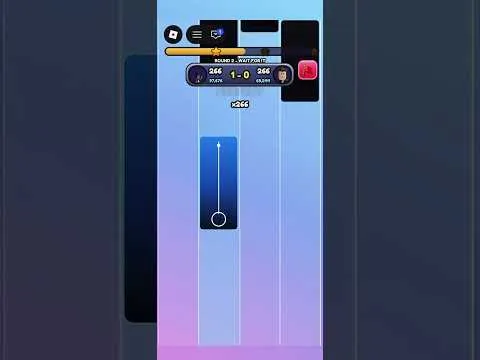
Challenge another player after you can clear a song.
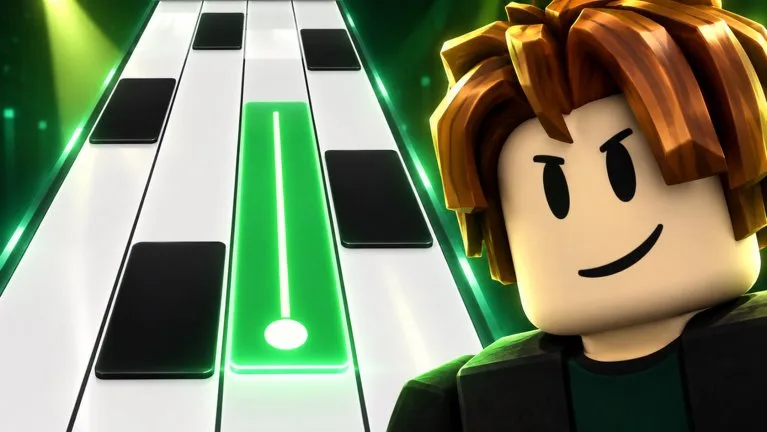
Read the featured track, then replay the hard sections.

Stars, bests, leaderboards, and cosmetic unlocks.

All five official activities on one comparison page.
Pick a song, set a readable speed, and finish one chart. Open page
See what Endless, 1v1, Daily Song, and Fade each change. Open page
Touch, keyboard, and controller, without invented key names. Open page
No code string is published, and the redeem path is unconfirmed. Open page
One community 1v1 clip, identified by its public title. Open page
Piano Rhythm Tiles is a free Roblox rhythm game by the Music Tiles group. You play songs, choose a speed, and follow tiles. The public description also lists Endless mode, 1v1, a Daily Song, Fade mode, tile skins, backgrounds, stars, personal bests, and leaderboards.
The Roblox games record credits the group Music Tiles. The public group page is the creator community linked from the experience. This wiki is not run by Music Tiles or Roblox.
Yes. The public games record shows no Robux price. Optional unlocks such as tile skins and backgrounds are mentioned, but no price list was published with that record.
The official description names five activities: play songs at a speed you choose, Endless mode that builds up speed, a 1v1 challenge against another player, a new Daily Song, and Fade mode where tiles disappear.
The official description says you can play with touch, keyboard, or controller. It does not publish the key or button names. Use the mapping shown inside the game.
No code string was found in the official description or in collected code records. The redeem button location is also unpublished, so this site does not list a working code or a confirmed menu path.
No. The official description says you can play songs and pick a speed, and that there is a Daily Song. It does not name the tracks, note counts, or difficulty numbers. Use the list shown in the client.
The official description lists tile skins and backgrounds as unlocks, separate from stars and leaderboards. It does not give skins a score, speed, or match bonus. Community guides describe them as cosmetic. Check the customization screen in game before assuming a cost or an effect.
Open Piano Rhythm Tiles on Roblox and clear one song at a comfortable speed. The walkthrough is Clear Your First Song.