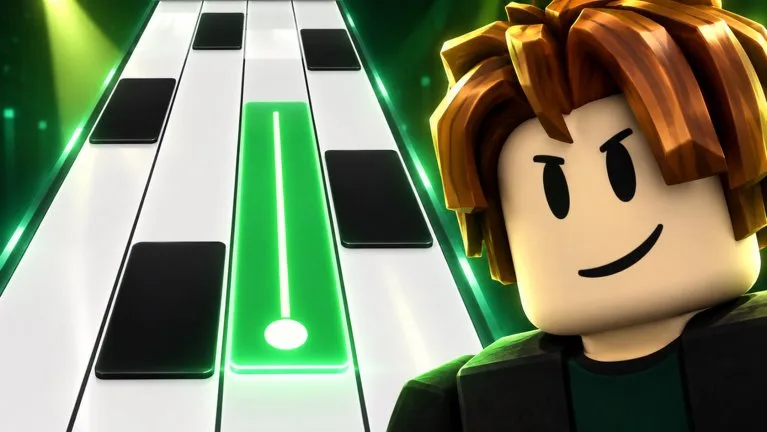
What you are trying to finish
A first session is done when you have selected a song, selected a speed, played that chart with one control method, and read whatever result the game shows afterward. The official description says you earn stars, beat your best, and climb leaderboards. It does not say that one missed tile ends the run, so do not treat a miss rule from another piano-tile game as a rule here.
Before you start
Join from the official Roblox page for Piano Rhythm Tiles by Music Tiles. The game is free on that listing. A public server holds up to 25 players. You do not need a full server, a code, or a skin to play a song.
The experience was created on September 17, 2026. The games record was updated on October 12, 2026, without a published patch note. If the client disagrees with this page, follow the client.
Play the first song
- Open Piano Rhythm Tiles and wait until the song menu is on screen.
- Choose a song from the list the game shows. A full track list is not published outside the client, so do not hunt for a named chart that this site never confirmed.
- Set a speed you can read. The description confirms a speed choice. It does not publish the labels, the number of steps, or a recommended starter value.
- Pick touch, keyboard, or controller and stay with it for the whole song. Key and button names are not in the public description. Use the mapping the game displays.
- Follow the tiles with the music. Look toward the notes that have not reached you yet. If you miss, notice what the client does, because the fail rule is unpublished.
- When the song ends, or when the client stops the run, read the stars, the personal best, and any leaderboard it shows.
How to tell the speed is too high
Stay at the current speed until you can finish the same song without guessing. Raising speed before the chart is readable only shortens the time you have to see the next tile. Endless mode is a separate activity: there the game builds speed for you. For a first clear, use the song mode where you still choose the speed.
What to open next
Use Choose a Mode when you want a different goal than a single song. Use Set Up Touch, Keyboard, or Controller if the inputs feel unclear. Leave codes alone until a real string is published. The codes page explains that none is listed.
Still unpublished
Song names, note counts, speed numbers, the miss penalty, star amounts, and key bindings are not on the official description. This guide does not fill them in.